
Desk & Workspace · Buying guide
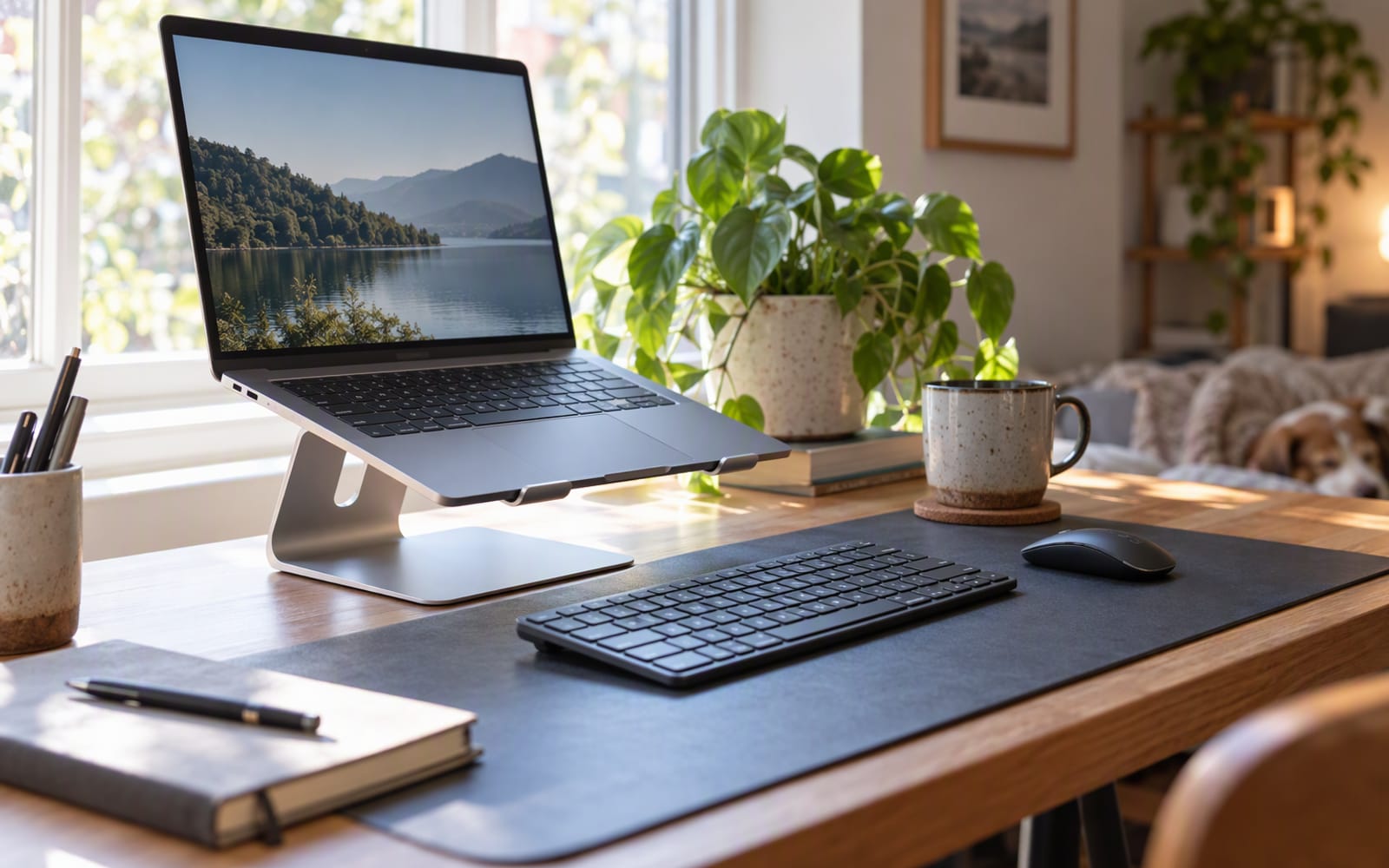
Start with the geometry rather than the product. Sit at a kitchen table, open a laptop flat on the surface, and tilt the screen back until it looks comfortable. Now notice where your eyes sit relative to that screen. For most people the top edge is below eye level, which means the head tips forward and down to meet it, and it stays there for the length of the working day. That single relationship — screen below eyes — is the thing a laptop stand exists to change.
Everything else in this category is a detail by comparison.
Why screen height is the whole argument
A laptop is a compromise in one specific way: the screen and the keyboard are welded into one slab. The height that suits your hands is roughly lap height. The height that suits your eyes is roughly eye height. A laptop cannot be both, so it settles at a height that is acceptable for hands and wrong for eyes.
A stand resolves half of that conflict. It lifts the screen so the top of the display sits closer to eye level, which lets the head sit more upright and the neck stay closer to neutral instead of tipping forward. That is the entire mechanism, and it is why a stand is usually the first thing worth changing on a laptop-only desk.
Rule of thumb: raise the screen until the top of the display sits roughly at eye level when you are sitting normally — not when you are sitting up straight and posing for a photograph.
It is worth being clear about what a stand is not. It is not a treatment. It changes the angle your head and neck rest at while you work, and if you have persistent pain, an assessment by a qualified health professional is a better use of an afternoon than another accessory.
The keyboard problem nobody mentions
Here is the part most stand advice skips: the moment you raise the screen, the laptop keyboard goes with it. If the screen is at eye level and you are still typing on the laptop, your hands are now floating at chest or shoulder height. You have traded a neck position you did not like for an arm position you will like even less.
So a stand and an external keyboard are one purchase, not two. Budget for both, or do not buy the stand. If you already own a keyboard you like, a stand is a straightforward upgrade. If you do not, the honest total is stand plus keyboard, and the keyboard is usually the bigger decision of the two.
There is one legitimate exception. If the laptop is a second screen — a main monitor in front of you and the laptop off to the side for email and chat — you can raise it without touching the keyboard, because you are not typing on it. That is a common and sensible setup, and it is where a fixed-height stand is entirely adequate.
Fixed height or adjustable
A fixed stand is a piece of geometry. It raises the screen by one amount, and either that amount suits you or it does not. Fixed stands tend to be simpler, sturdier and less expensive, and if one person sits at one desk at one height there is nothing to adjust.
Adjustable stands do more, for more money. They matter in three situations:
- Two people share the desk. A taller user and a shorter user need different screen heights, and an adjustable stand serves both.
- You alternate between sitting and standing. A sit-stand desk changes your eye height through the day, and a fixed stand cannot follow it.
- You are not sure what height suits you. Adjustability is a way of finding your answer without buying twice.
If none of those apply, a fixed stand is the better purchase. Adjustability you never use is money spent on a mechanism that can loosen.
Portable or furniture
The other split is not about height at all, it is about whether the stand travels.
Furniture stands are heavy, sit flat on the desk, and are effectively permanent. They are usually metal, which also means they lift the laptop clear of the desk surface and leave open air underneath.
Portable stands fold or collapse to roughly the size of a marker pen and live in a laptop bag. They are lighter, less rigid under a fast typist’s hands, and they are the only option if your desk changes address.
Buy furniture for the desk you sit at every day, and a folding stand only if you genuinely work in more than one place. A folding stand that never leaves the house is just a flimsier desk stand.
Does a stand help the laptop run cooler
Partly, and for an obvious reason. Based on published specifications, many laptops draw cooling air from vents on the underside, and on a soft surface — a bed, a sofa, a lap — those vents are blocked. Lifting the machine off the surface and leaving open air beneath it restores the airflow the manufacturer designed for. Some stands go further and use a metal body to move heat away from the base.
What a stand cannot do is fix a chassis with no bottom vents at all, or a machine whose cooling is simply undersized. If your laptop runs warm and loud under load, a stand is a reasonable first step and not a guaranteed cure.
Our picks
Three stands, three different problems.
Rain Design mStand — the furniture answer. A single piece of aluminium that raises the laptop to a fixed height and doubles as a heat sink, with a channel at the back to route cables out of sight. If your laptop lives on one desk and you want the stand to look like part of the room, this is the one to shortlist. You give up travel entirely, and you accept whatever height the design provides.
NEXSTAND K2 — the portable answer. It folds down small enough to live in a laptop bag and unfolds into a surprisingly solid platform with adjustable height and angle. This is the stand to buy if you work from a kitchen table, a café and an office in the same week. The trade-offs are real: it can shift slightly under enthusiastic typing, it is not built for a heavy workstation laptop, and like every stand here it makes an external keyboard mandatory.
Twelve South Curve Flex — the adjustable answer. Aluminium, ventilated, and with enough height positions to suit different people or a sit-stand routine, and it folds flat enough to travel if it has to. It is heavier than a folding plastic stand and it costs more than a fixed one. In exchange you get to change your mind about height later.
| Rain Design mStand | NEXSTAND K2 | Twelve South Curve Flex | |
|---|---|---|---|
| Best for | One permanent desk | Working in several places | Shared desks and sit-stand routines |
| Height | Fixed | Adjustable | Adjustable |
| Travels | No | Yes — folds to pocketable size | Folds flat, but heavier |
| Build | Single-piece aluminium | Folding frame | Aluminium |
| What you give up | Any adjustability | Some rigidity under heavy typing | Weight and cost |
| External keyboard | Required | Required | Required |
What not to overpay for
- Height markings and memory positions. Useful in an office where desks are reset every day. Pointless at home.
- Integrated USB hubs. A stand with ports sounds tidy, but the hub is usually the weakest part of the product. A separate hub can be replaced when standards change.
- Very tall maximum heights. A stand that lifts the screen far above your eye line is not more ergonomic, it is just taller.
- Brand-matching your laptop. The stand does not know what laptop is on it.
When you should not buy anything
If you are not willing to add an external keyboard, a stand will move the problem from your neck to your arms, and you are better off leaving the laptop flat until you are ready to make both changes together.
If you already use an external monitor as your main screen and only glance at the laptop, you may not need a stand at all. A couple of sturdy books under the back edge achieves the same lift, and that is a perfectly respectable temporary answer.
And if your neck or shoulder discomfort is persistent rather than occasional, an accessory is not the right next step. Have it assessed by a qualified health professional before you spend anything on furniture.
Our picks
These are the models we would shortlist for the scenarios in this article. Each entry shows the published specification highlights, what the product is genuinely good at, and what you give up.
Rain Design mStand
Rain Design
A single piece of aluminium that raises a laptop and acts as a heatsink. It does not fold and it does not travel — it is furniture, and it is very good furniture.
What it does well
- Rock solid on a desk
- Aluminium helps dissipate heat
- Looks like part of the furniture
What to accept
- Does not fold or travel
- Fixed height suits some people better than others
- Takes up desk depth
Best for: Permanent desk setups · Laptop as a second screen · Heat dissipation
Published specs: Single-piece aluminium laptop stand; Fixed ergonomic height; Open design for airflow; Cable routing at the rear.
Last checked: 2026-10-04
NEXSTAND K2
NEXSTAND
Folds to the size of a marker pen and raises a laptop to eye level, which is the single biggest ergonomic fix for neck pain. You will need an external keyboard once the screen is that high.
What it does well
- Truly portable
- Raises the screen to a comfortable height
- Sturdy once unfolded
What to accept
- Requires an external keyboard to be useful
- Wobbles slightly on very light taps
- Not for very heavy laptops
Best for: Travel · Raising a laptop to eye level · Tiny desks
Published specs: Folding portable laptop stand; Adjustable height and angle; Folds to a pocketable size; Ventilated design.
Last checked: 2026-10-04
Twelve South Curve Flex
Twelve South
Adjustable height is the feature that separates this from the fixed-height aluminium stands. If two people of different heights share a desk, or you alternate between sitting and standing, that adjustment earns its keep.
What it does well
- Adjustable height suits different users
- Folds reasonably flat
- Solid aluminium build
What to accept
- Heavier than a folding plastic stand
- Costs more than a fixed-height stand
- Needs an external keyboard
Best for: Neck and shoulder discomfort · Standing desk use · External monitor setups
Published specs: Adjustable-height laptop stand; Folds for travel; Ventilated aluminium construction; Multiple height and angle positions.
Last checked: 2026-10-04
Frequently asked questions
Will a laptop stand fix my neck pain?
A stand changes the height and angle at which you look at a screen, which is a genuine change to how you sit. It is not a treatment for anything. If discomfort is persistent rather than occasional, the sensible next step is an assessment by a qualified health professional rather than another accessory.
Do I really need an external keyboard?
If you type on the laptop, yes. Once the screen is raised to eye level, the built-in keyboard goes up with it and your hands end up floating at chest height. A stand and a separate keyboard are one purchase, not two.
Is a fixed-height stand good enough?
For one person at one desk at one height, usually yes. Adjustability earns its money when two people share a desk, when you alternate between sitting and standing, or when you are not yet sure what height suits you.
Does raising a laptop help it run cooler?
Partly, and mainly by restoring airflow. Many laptops draw cooling air from vents underneath, and those vents are blocked on a soft surface. Lifting the machine off the desk leaves air beneath it. A stand cannot compensate for a chassis with no bottom vents at all.
Related
Workspace
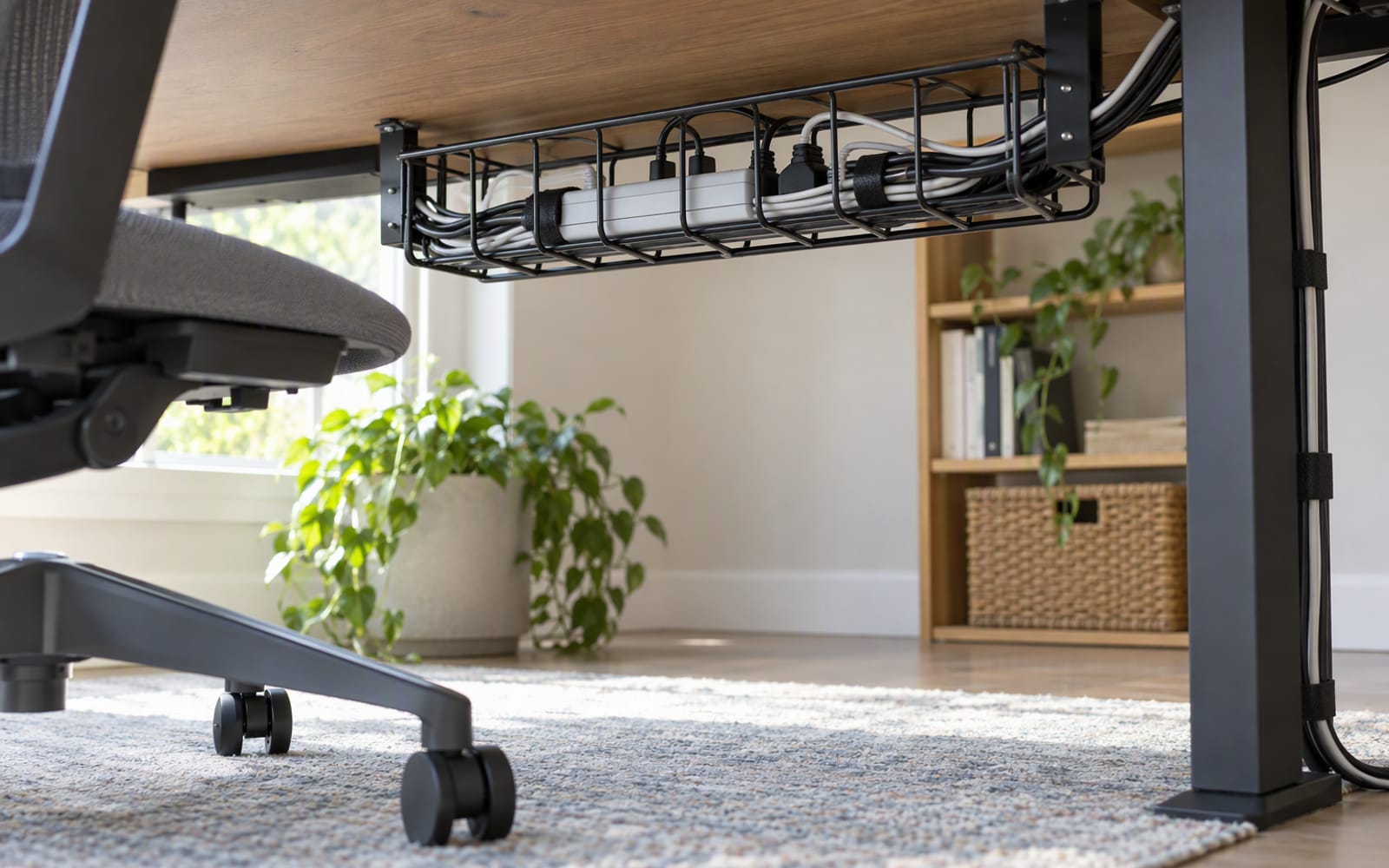
Desk Cable Management: A Practical Setup Guide
Cable management is three jobs in a fixed order: reduce, route, hide. A practical guide to doing them in the right sequence, and what not to buy first.
Workspace
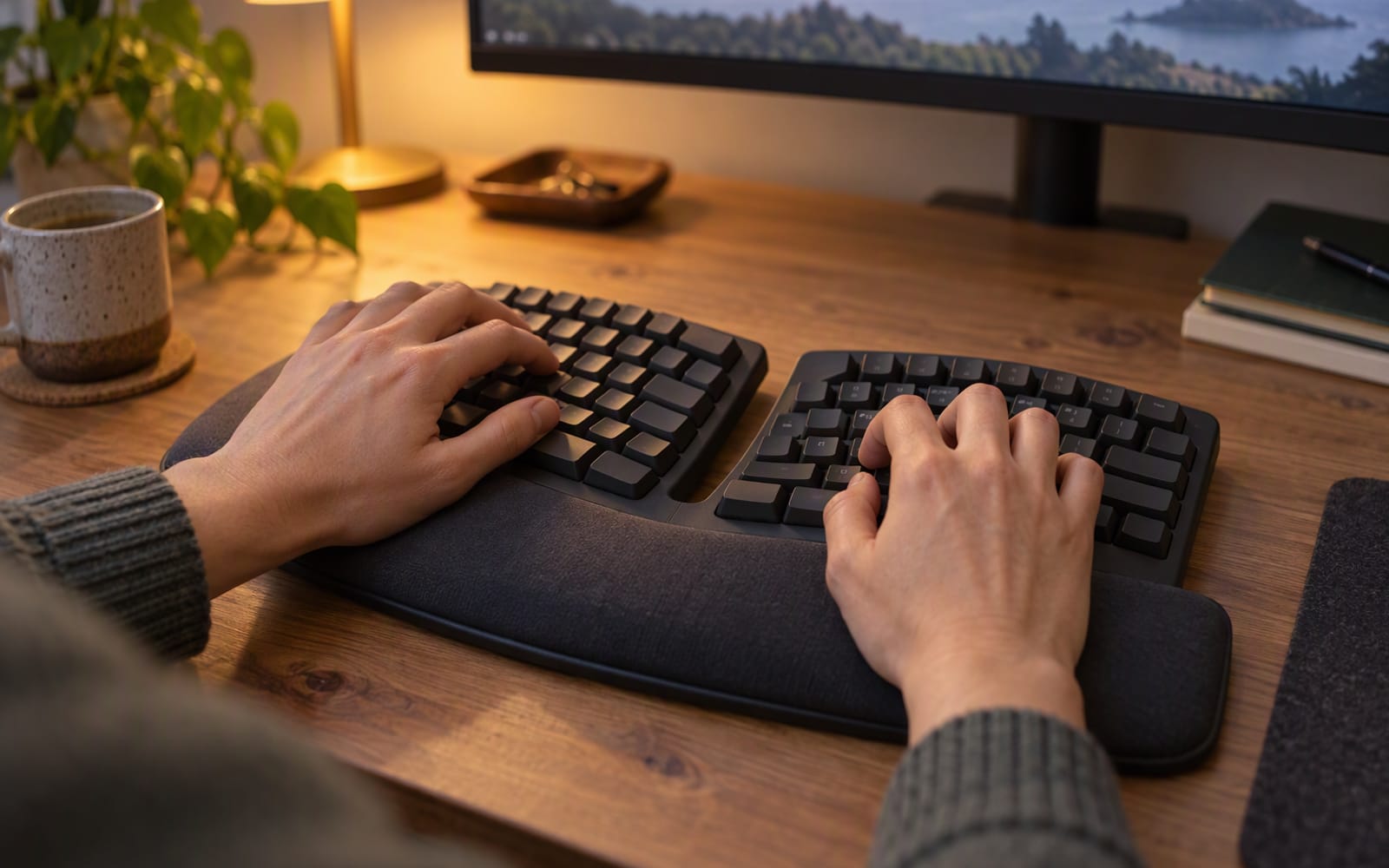
Best Ergonomic Keyboards for All-Day Typing
Split layouts, low-profile comfort and mechanical feel solve three different problems. How to choose a keyboard for long typing days, and when it is not the answer.

Audio
Best Noise-Cancelling Headphones for Open-Plan Offices
Open-plan offices are the hardest listening environment there is. Here is how to choose noise-cancelling headphones for a shared desk, and which models we would shortlist.